

HEY THERE!
I'M HABIBULLAH BAHAR
I will design & develop your dream web application as per your requirment.
My Services
Client satisfaction is my first priority

Full Stack Development
I develop websites with clean, modern, and bug-free code to deliver a seamless user experience.

Front-End Development
I design fully responsive front-end interfaces and create static websites.

App Development
I build smooth and efficient mobile applications for both Android and iOS platforms.
Experience & Education
Experience
Full Stack Web Developer
Mark HansonJanuary 2024 - August 2024
Developed a multi-tenant platform allowing users to create and manage communities, share content, and more. Collaborated with the team on 2 additional client projects before transitioning to this role.
Software Engineer
Algo solverAugust 2021 - December 2023
Led the front-end development of 3 client project. Collaborated with the team to design and implement optimized solutions, delivering robust features across 8+ client projects.
Project Instructor & Quiz Creator
10 Minute SchoolFebruary 2020 - March 2021
Created 3155+ questions for students from Class 6 to HSC and admission preparation. Served as an ICT instructor, delivering classes to a community of over 1.5 million students.
Professional Courses
Computer Science and Engineering (CSE) Fundamentals
Institution: Phitron
Duration: March 2022 - May 2024
Education
Bachelor of Business Administration (BBA)
University: National University, Bangladesh
Passing Year: On going (4th year)
Recent Blogs
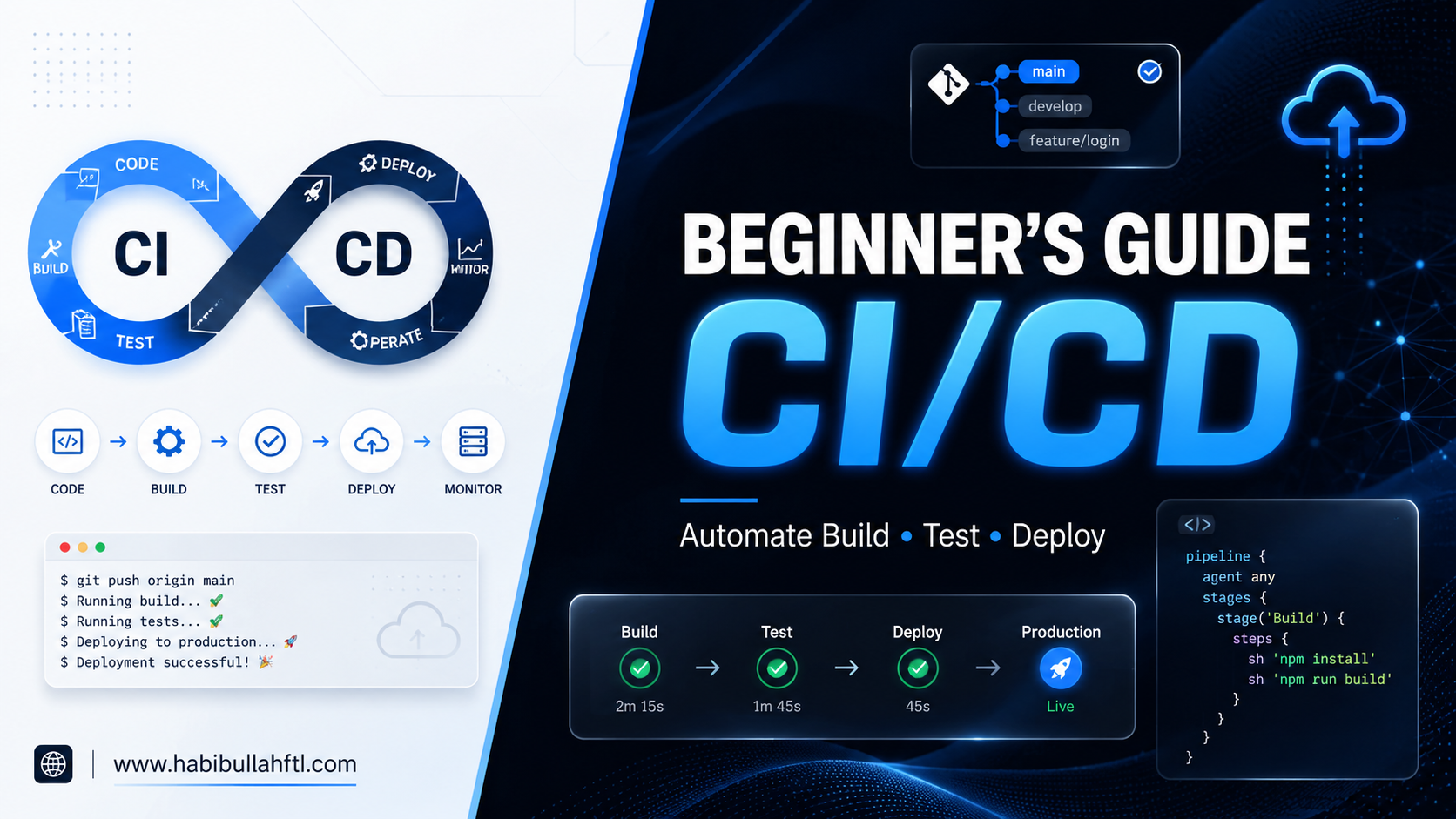
A Beginner’s Guide to CI/CD
May 12, 2026
Have you ever spent hours building a cool feature, finally pushed it to the main branch, and then… boom? Everything breaks. Your teammates are confused, the app is down, and you’re sweating while trying to find that one missing semicolon. If that sounds like your day-to-day, you’re stuck doing a lot of extra work. But there’s a much easier way to get things done. It’s called CI/CD, and it’s like having a super-fast robot friend. This friend checks your work for mistakes and delivers it to your users automatically, so you can stop worrying and go enjoy your coffee. Let’s break it down without the headache. What exactly is CI/CD? Think of CI/CD like a high-tech pizza delivery shop. CI (Continuous Integration) is the kitchen. Every time a chef adds a new ingredient (code), someone immediately checks if it’s fresh and if it fits the recipe (testing). CD (Continuous Delivery/Deployment) is the delivery driver. Once the pizza is ready and checked, it’s automatically boxed up and sent to the customer’s door. 1. The "CI" Part: Continuous Integration In a big team, everyone is working on different parts of the same app. Without CI, merging all that code at the end of the week is a nightmare—people call it "Integration Hell." With CI, every time you "save" your work to the main project (a commit), an automated script kicks in. It: Builds the code: Makes sure everything compiles. Runs Tests: It checks if your new feature accidentally broke the old ones. If something is wrong, you get a "Red Light" immediately. You fix it in minutes instead of finding out days later. 2. The "CD" Part: Continuous Delivery vs. Deployment This is where the magic happens. Once your code passes the CI tests, it’s ready to go live. Continuous Delivery: The code is sitting in a "staging" area (like a rehearsal stage). A human (like a manager) clicks a button to say "Go Live!" whenever they’re ready. Continuous Deployment: There is no "Go" button. If the tests pass, the code goes straight to the real users. It’s faster but requires a lot of trust in your automated tests! Why should you care? Before CI/CD, developers were afraid to push code on Fridays. Why? Because if it broke, they’d spend their weekend fixing it. With CI/CD: You move faster: You can launch new features 10 times a day. Fewer bugs: The CI/CD catch the mistakes before your users do. Zero-Stress Deployments: If a new update has a bug, modern CI/CD tools can "roll back" to the old version in seconds. How to get started? You don’t need to be a "DevOps Ninja" to start. Here is the simple path to building your first pipeline: Pick your tool: If your code is on GitHub, use GitHub Actions. It’s the easiest for beginners. If you use GitLab, use GitLab CI. Write a "Recipe" file: You create a small text file (usually called a YAML file) in your project. This is just a list of instructions for your CI/CD to follow, like: "First, install the libraries. Second, check the code for errors. Third, run my tests." Start with one simple test: Don't try to test everything at once. Just write one test that checks if your website’s homepage actually loads. That’s enough to start! Watch for the "Green Check": Once you save that file and push your code, your tool will automatically start running your instructions. You’ll see a little spinning icon, and hopefully, a green checkmark. If it turns into a red "X," the tool will tell you exactly which line of code caused the problem. Want to learn more? If you're ready to write your first YAML file, check out these simple resources: GitHub Actions: The Official Hello World Guide: A 5-minute read that shows you exactly where to paste your first YAML code to see a "Green Checkmark" in action. YouTube: CI/CD Tutorial using GitHub Actions: A fast-paced video that shows you how to automate your project without the fluff. FreeCodeCamp: What is YAML? The YML File Format: Since CI/CD uses YAML files, this quick guide explains how to write them without making easy-to-fix spacing mistakes. Youtube: What is CI/CD Pipeline?: Explains the CI/CD in simple terms Pro Tip: Most tools have "templates" already waiting for you. When you click on the Actions tab in GitHub, it will actually suggest a starter YAML file based on your code!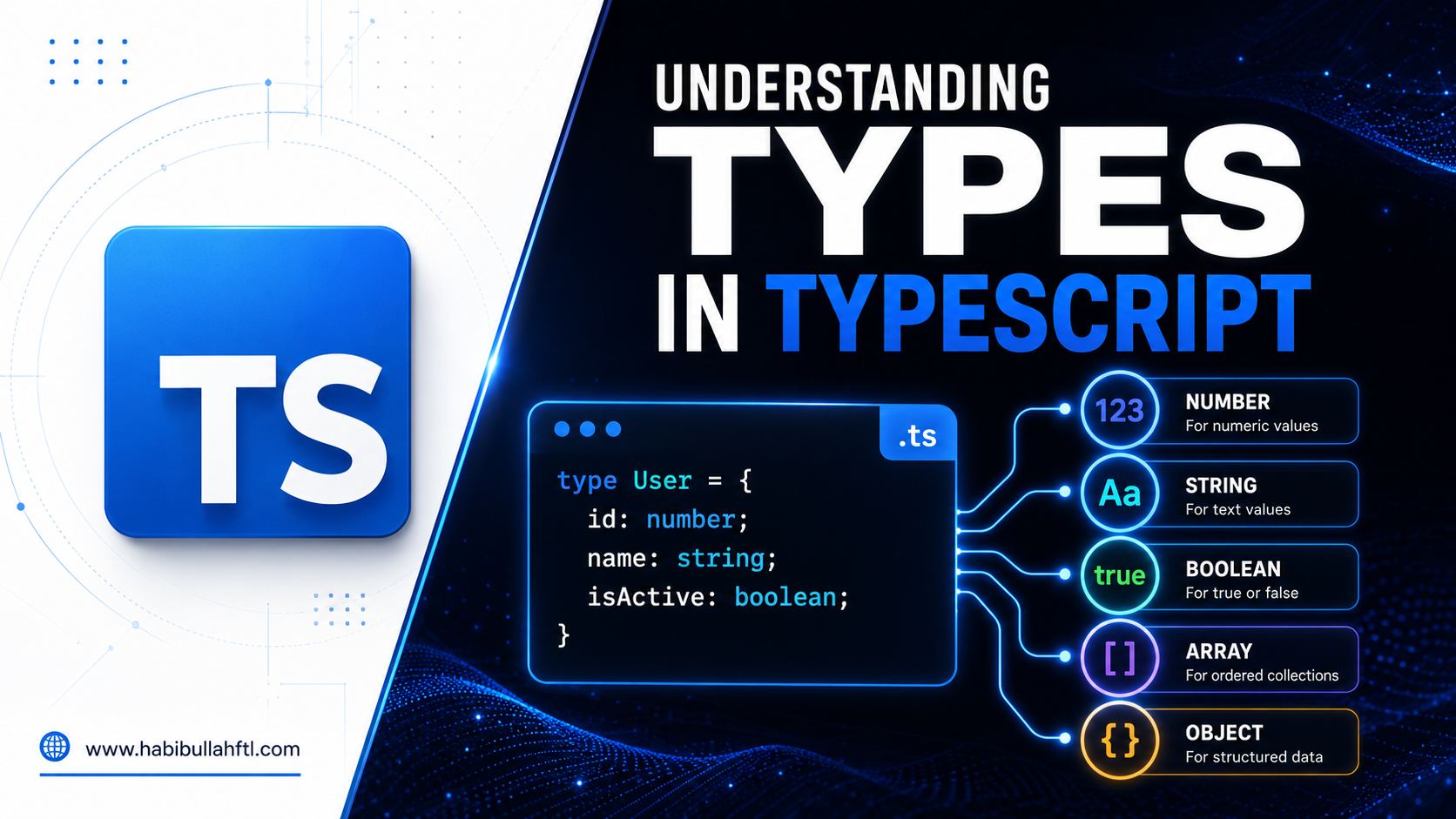
Understanding Types in TypeScript
Dec 20, 2024
TypeScript is a powerful, statically typed superset of JavaScript that helps developers write safer and more maintainable code. One of its key features is its robust type system. In this blog, we will explore the most important types in TypeScript and provide examples to illustrate their use. 1. Primitive Types TypeScript includes all JavaScript primitive types, ensuring that variables are strongly typed. a. String Represents textual data.
A Deep Dive into Next.js 14 App Router
Oct 04, 2024
The release of Next.js 14 brings exciting updates, especially with the introduction of the new App Router. This dynamic, component-based routing system takes routing in Next.js to the next level, enabling developers to build scalable and modular applications with ease. Let’s walk through the key features of this new router and how it enhances app development.Photo Gallery
 2022
2022Algosolver company trip, Cox's Bazar
 2021
2021Team Algosolver at Westin Dhaka
 2021
2021Algosolver team at weeding of our CEO
 2018
2018One of top twelve (National Round), IDLC Finance Olympiad 2018
 2020
2020Ambassador Award Giving Ceremony - 10 Minute School
 2018
2018Gala Event - IDLC Finance Olympiad 2018